
TradingView Tutorial: A Complete Guide for Beginners
In short
A TradingView tutorial for complete beginners: finding a crypto chart, setting the timeframe, adding indicators, drawing levels and setting alerts that work.
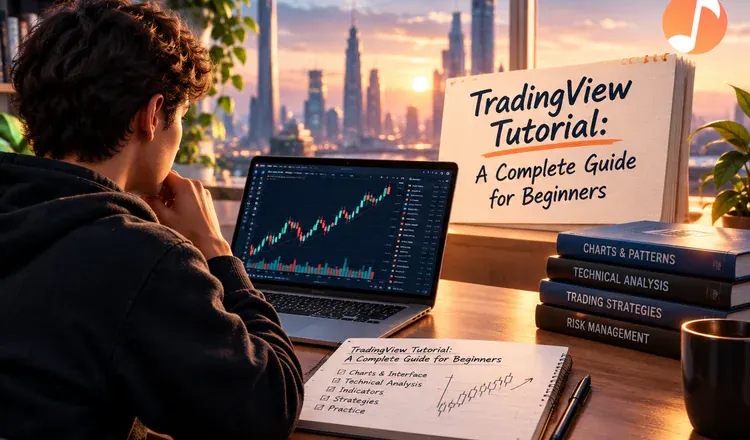
TradingView is a charting website where you look at the price of almost anything - bitcoin, ether, shares, currencies - and draw on it. For crypto it is where most traders read the market before they touch an exchange. This TradingView tutorial covers the five things a beginner actually needs: finding a chart, choosing a timeframe, adding an indicator, marking a level and setting an alert. The free account is enough for all of it.
The chart and the timeframe
Type a pair into the search box at the top of the chart page: BTCUSD for bitcoin against the dollar, ETHUSD for ether. Each candle on the chart is one slice of time - it shows where price opened, how high and low it went, and where it closed. The timeframe button decides how long that slice is. On 1D each candle is a day; on 1m each candle is a minute, which for a beginner is mostly noise. Learn on the daily and 4-hour charts first.
Indicators, levels and alerts
The Indicators button opens a library of thousands of scripts. Search for a classic such as RSI or a moving average, click it, and it appears on the chart. Two or three at a time is plenty - a chart with nine indicators gives you a reason to do anything you already wanted to do. The drawing tools run down the left edge; the most useful one for a beginner is a plain horizontal line across a price where the market turned around more than once. Then use the alert bell instead of staring: TradingView will message you when price reaches that line, which is far healthier than watching a screen all evening.
What TradingView is not
It is a window onto exchange data, not a place where your coins live. You still buy and sell on your exchange or from a wallet such as MetaMask. That matters for one practical reason: nobody at TradingView will ever need your seed phrase or ask you to connect a wallet to "unlock" a feature. Anyone who messages you with that offer is running a scam, and it is a common one.
A good first week: pick one pair, set it to the daily chart, add nothing but a 200-day moving average, and just watch it. Before you trust any indicator you add later, read what repainting in TradingView is, and when you want to test a rule on past data, start with how to backtest a crypto strategy.