
What Are SIM Swap Attacks and How Can You Prevent Them?
In short
SIM swap attacks move your phone number onto a thief's SIM, and your security codes with it. How the attack works and how you can prevent it.
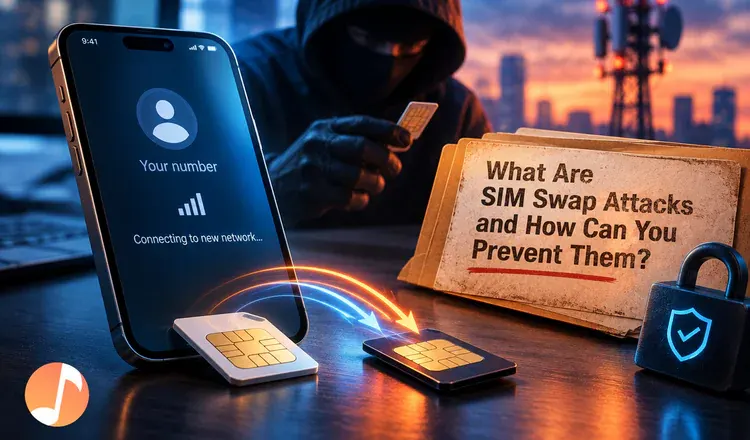
A SIM swap attack is when a criminal persuades your mobile carrier to move your phone number onto a SIM card sitting in their own phone. From that moment every call and text meant for you — including the security codes that protect your email and your exchange account — arrives on their device instead. You prevent it by locking the number with your carrier, and by making sure nothing valuable can be unlocked with a text message.
How does someone take over a phone number?
Not by hacking anything. The attacker gathers a few facts about you — a date of birth from a leaked database, an address from social media — then contacts your carrier pretending to be you with a lost or broken phone. The number gets transferred. It works like a mail redirection at the post office: one form, filled in by a stranger, and every letter addressed to you starts arriving at a different house. Sometimes they skip the acting altogether and pay a shop employee to do the transfer.
What happens in the first ten minutes?
Your phone drops to no service, which most people assume is a network glitch. Meanwhile the attacker clicks "forgot password" on your email, catches the reset code by text, and owns the inbox. From there they work through everything that inbox can reset, starting with an exchange account, because coins sent out of one cannot be recalled the way a card payment can. People who keep their coins on a hardware wallet are much harder to rob this way, since a Ledger needs the physical device to approve anything.
How can you prevent SIM swap attacks?
Three steps, in order of value. First, turn on your carrier's lock — AT&T Wireless Account Lock, T-Mobile SIM Protection, Verizon SIM Protection and Number Lock are all free and take minutes. Second, replace SMS codes with an authenticator app, or a hardware security key such as a YubiKey, everywhere the option exists. Third, remove your phone number from account recovery on your main email, because that is the door the whole attack walks through.
Do the carrier lock today and the rest this week — the gap between knowing and clicking is where most losses happen. Then read what two-factor authentication is and how to protect yourself from SIM-swapping attacks step by step.