
Why Did My Transaction Fail on Solana?
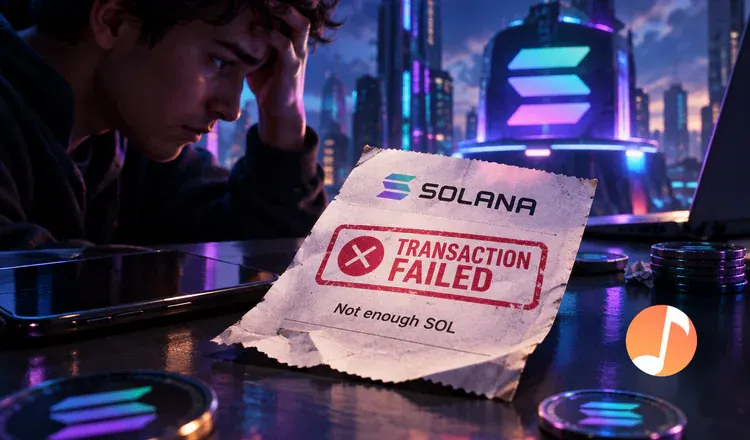
A failed transaction on Solana means the network read your request, decided it could not be carried out as written, and left your balances exactly as they were. Your tokens did not move and nothing went to the wrong place. Four causes explain almost all of them: too little SOL, a price that moved, a request that ran out of processing budget, or a missing token account.
The four usual causes
- Not enough SOL. Every transaction is paid for in SOL, and a wallet holding only tokens cannot pay. Opening a new token account also sets aside about 0.002 SOL as a deposit.
- Slippage. On a swap through Jupiter or Raydium, the price moved further than the limit you allowed while your transaction waited its turn, so the trade cancelled itself rather than filling at a bad rate.
- Out of compute. Each transaction gets a budget of processing work. A complicated swap routed through several pools can exceed it and stop.
- A missing account. Sending a token to a wallet that has never held it requires a new account to be created first, and some apps do that for you while others do not.
Where to read the real reason
Do not guess at it. Copy the transaction signature from your wallet's activity list and paste it into Solscan or the official Solana explorer. The Result line will say failed and give the error underneath, usually in words plain enough to match one of the four above. Phantom shows a shorter version of the same thing when you tap the failed item.
Is anything at risk?
No, and this is the part worth internalising: a failure is the network protecting you. A Solana transaction is all-or-nothing, so either every step in it happens or none of them does. Nothing ends up half-swapped. The one thing you do lose is the fee, which is charged even though nothing went through.
Keep a small working float of SOL - a couple of hundredths of a coin is plenty - and most of these failures stop happening. Why a failed transaction still costs money explains the fee, and how to fix failed Solana transactions matches each error to the setting that clears it.