
What Is Solscan and How to Use It?
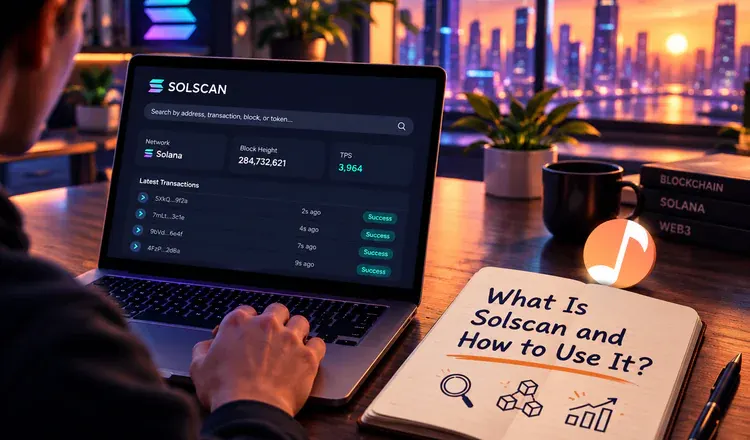
Solscan is a free website that shows every transaction, wallet and token on the Solana network. You use it by pasting an address or a transaction code into the search box; no account is needed. It does for Solana what Etherscan does for Ethereum, with one practical difference: Solana is fast and fees are tiny, so a page can list hundreds of transactions where an Ethereum wallet would show a handful.
How do you check a Solana transaction?
Open your wallet - Phantom and Solflare both do this - find the payment in the activity list and tap the option to view it on the explorer. Or copy the long transaction code, called a signature, and paste it into Solscan. The page tells you whether the result was Success or Fail, which slot (Solana's word for a block) it landed in, the fee in SOL, and every account the transaction touched.
Why do failed transactions still appear?
On Solana a transaction can fail and still be written to the record, with the fee taken. Usually this means the price moved while your swap was being processed and the trade no longer matched what you agreed to. Nothing left your wallet except a fraction of a cent. Seeing "Fail" on Solscan when your balance is untouched is normal and not a sign that you were robbed.
What should you check before buying a token?
Search the token and look at two things. The holders tab shows who owns what, and a handful of wallets holding most of the supply is the oldest warning sign there is. The token's authority settings show whether the creator can still mint new coins at will - if they can, the supply you are looking at is not the supply you will own tomorrow.
Build the habit of pasting an address into Solscan before you send anything large to it, the same way you would read a bank's details twice. For the neighbouring networks, see how to use Etherscan and how to read a block explorer.