
How to Read a Block Explorer: Transactions, Contracts and Holders
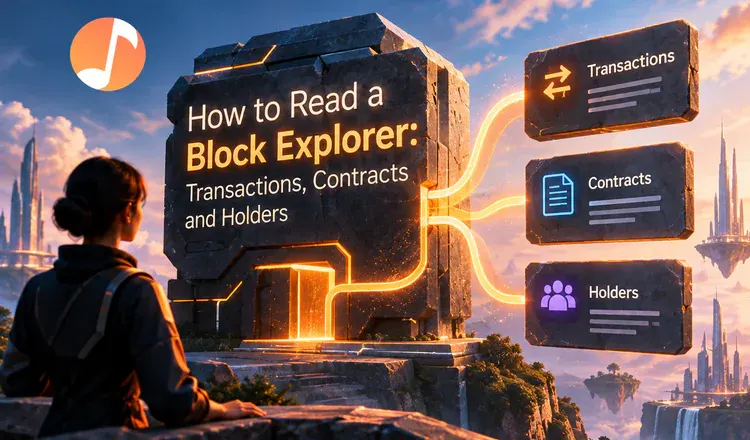
A block explorer is a search engine for a blockchain, and learning to read one takes about ten minutes. Every explorer - Etherscan for Ethereum, BscScan for BNB Chain, Solscan for Solana - shows the same three things: the transactions, the contracts that run the apps, and the holders who own each token. Once you know what those three tabs are telling you, no crypto page can bluff you.
Transactions: did it happen, and what did it cost?
A transaction page is a receipt that nobody can edit. It names the sender, the receiver, the amount, the fee and the status. Status is the part people miss: Success means done, Pending means the network has not picked it up yet, and Failed means it was rejected but the fee was still taken. If a transfer has not shown up in someone's wallet, the explorer settles the argument in seconds - either the record is there or it is not.
Contracts: who wrote the code, and can you see it?
Apps such as Uniswap and Aave are not companies with servers; they are programs living at an address on the chain. The Contract tab shows whether that program's code has been verified, meaning published for anyone to read. Verified code with a long history and millions of transactions is a reasonable sign of a real project. Unverified code is a locked box. The tab also shows when the contract was created, which quietly exposes a "trusted since 2019" project that appeared last Tuesday.
Holders: who actually owns this token?
The holders tab ranks wallets by how much of the supply each controls. Picture a company where two people own ninety per cent of the shares and everyone else owns scraps - that is what concentrated ownership looks like, and those two can sell whenever they like. Exchange wallets legitimately hold large amounts, so look for one-person concentration rather than any large balance.
Try it on something you already own: open its page, read all three tabs, and notice how much you learn without asking anyone. Then read how to use Etherscan to check transactions and what BscScan is and how to use it.