
How to Check and Revoke Ethereum Token Approvals
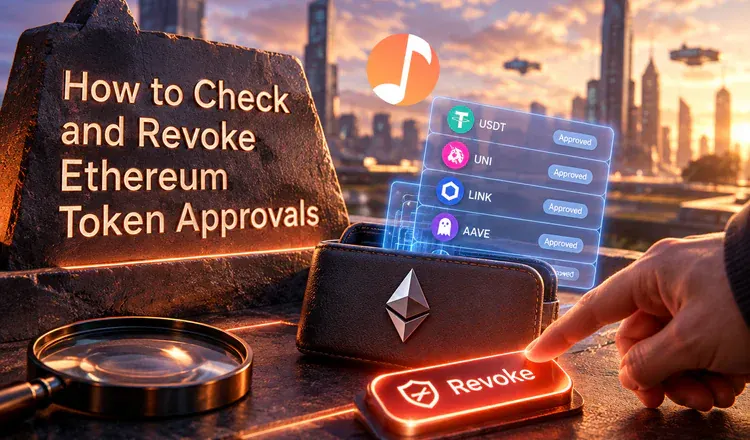
A token approval is permission you gave an app to move a token out of your wallet, and it stays switched on until you turn it off. To check and revoke Ethereum token approvals, open the token approvals page on Etherscan, connect your wallet, and cancel anything you no longer use. It costs a small fee each time and takes a couple of minutes.
Why does an old approval matter?
Think of it as a spare key you handed to a shop so it could take payment. The shop may be perfectly honest, but the key still exists, and if someone breaks into the shop they can use it on your front door. Many apps ask for unlimited permission by default, which means the approval covers every one of those tokens you will ever hold, not just the amount you were swapping that day. Several of the largest DeFi thefts worked exactly this way: the app's code was attacked, and the attacker spent the permissions thousands of people had left switched on.
How do you check what you have approved?
Etherscan has a token approvals tool: paste your address to see the list, then connect your wallet to act on it. The list shows the token, the app holding the permission and how much it may take. Expect surprises - a swap on Uniswap, a marketplace you tried once on OpenSea, an app whose name you no longer recognise. Revoking is a normal transaction: approve it in MetaMask, pay the fee, and the permission is gone.
What should you revoke first?
Work down in this order: anything unlimited, anything you do not recognise, anything you have not used in months. Permissions on the apps you use weekly can stay, otherwise you will pay the fee again next time. Revoking never moves your tokens and never touches your recovery words - if a site asks for those to "revoke" something, it is stealing from you.
Put a reminder in your calendar to review the list twice a year, and check it immediately whenever an app you have used is reported as hacked. Next: how to use Etherscan to check transactions and how to read a block explorer.