
What Is a Hardware Wallet? Keeping Your Crypto Keys Offline
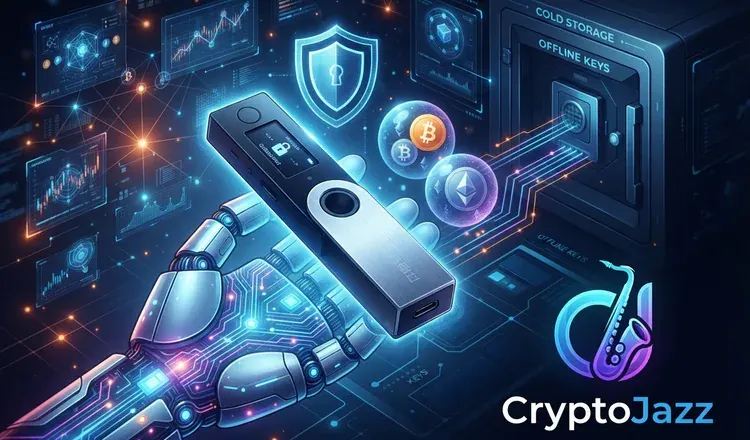
A hardware wallet is a small device, usually about the size of a USB stick, that keeps the secret key to your crypto offline. Ledger and Trezor make the best known ones. The device never hands that key to your computer. It signs each payment inside itself and passes out only the signed result, so malware on your laptop has nothing worth stealing.
How does a hardware wallet actually protect you?
Think of a locked room with a letter slot. You slide an unsigned document in, someone inside signs it and slides it back out, and nobody ever sees the pen. That is what happens when you approve a payment: your computer prepares the transaction, the device signs it internally, and only the signature comes back. Because of that, a hardware wallet stays safe even on a computer you do not fully trust. It is also why the little screen matters. You check the amount and the address on the device itself, not in a browser window that a fake site could be redrawing.
What a hardware wallet does not protect you from
It is not a magic shield. If a friendly "support agent" talks you into typing your recovery phrase into a website, the device cannot save you, because those twelve or twenty-four words are the wallet and whoever holds them holds the coins. If you approve a payment to a scammer, the device signs it obediently; it guards the key, not your judgement. And buy only from the maker's own site. A secondhand or marketplace device may have been tampered with before it reached you, and that is the one attack the hardware cannot defend against.
Is it worth buying one?
A rough rule: if losing the amount would genuinely hurt, it is worth the price of the device, which runs from roughly fifty to two hundred dollars. Below that, a phone or browser wallet is fine. Plenty of people run both, keeping a small spending balance in an app and the bulk on the device. MetaMask can even connect to a Ledger, so you keep the familiar app while the key stays offline.
When you set one up, write the recovery phrase on paper by hand, keep it somewhere fireproof and away from the device itself, and never photograph it. Then send a small amount to the wallet and move it back once, so you know the whole round trip works before you trust it with anything large. Read next: how a seed phrase works and what software wallets do.