
How to Restore a Wallet From a Seed Phrase
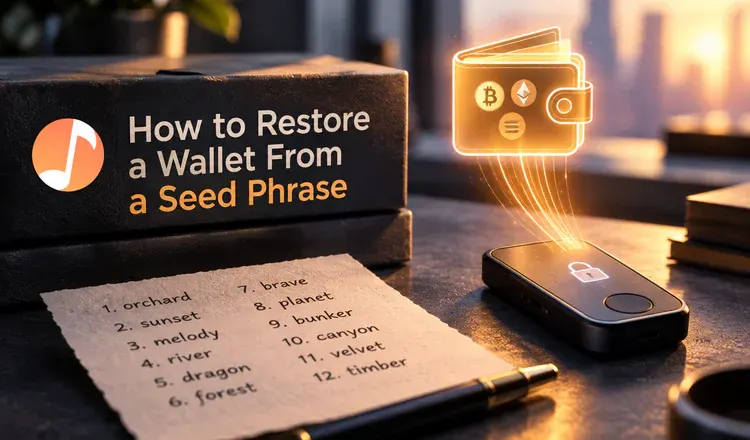
Restoring a wallet from a seed phrase means telling a fresh copy of the app to rebuild an old wallet instead of making a new one. In MetaMask you tap "Import an existing wallet", in Trust Wallet "I already have a wallet", on a Ledger you choose "Restore from recovery phrase" during setup. Type the words in order, set a local password or PIN, and the addresses come back exactly as they were.
Does it matter which wallet you restore into?
Usually not. Most wallets follow the same word-list standard, so a phrase written down in Trust Wallet will open in MetaMask, and a Ledger phrase will open in a phone app if the device is broken and you need the funds today. Two limits are worth knowing. A 24-word phrase from a hardware wallet works in most software wallets, but not every wallet accepts every length. And restoring a hardware wallet phrase into a phone app removes the protection you bought the device for, because the secret is now on an internet-connected machine — do it as an emergency measure, then move the funds to a new device and a new phrase.
Why is my restored wallet empty?
This is the common scare, and the coins are almost always still there. Work through it in this order:
- Wrong network selected. Your Ethereum balance will not show while the wallet is pointed at Polygon or Arbitrum. Switch networks and look again.
- The token is not added. Wallets show a short default list. Add the token by its contract address and it appears.
- Wrong account in the list. One phrase generates an endless row of accounts. The funds may be on the second or fifth, so add a few and check each.
- A different derivation path. Wallets sometimes number their addresses differently — Ledger Live's older Ethereum path is the usual culprit. Importing the same phrase into a wallet that lets you choose the path brings it back.
- The old wallet had a passphrase. An extra word you set yourself creates a completely separate wallet from the same 12 words. Without it, you see the empty version.
Check the address on a block explorer before you panic: if it shows a balance, the coins exist and only the display is wrong. And if the app refuses the words outright, that is a different problem — see seed phrase not working, or start from the wallet recovery guide.