
How to Recover a Crypto Wallet: A User Guide
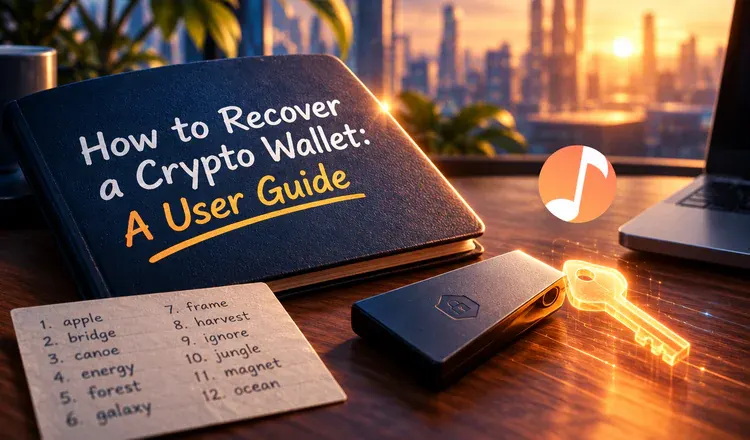
To recover a crypto wallet you rebuild it somewhere new from the secret words you wrote down when you first created it. The app itself holds nothing valuable. Your coins live on the blockchain, and a wallet such as MetaMask or Ledger Live is only a viewer that holds the key to them. So a lost phone, a wiped laptop or a deleted app is not a lost wallet. A lost seed phrase is.
What are you actually recovering?
Think of the 12 or 24 words as the blueprint for a key rather than the key itself. Hand the blueprint to any compatible wallet — MetaMask, Trust Wallet, a brand new Ledger — and it cuts exactly the same key, which opens exactly the same addresses on Bitcoin, Ethereum or Solana. That is why recovery never needs the old device, the old app, or a support line. It needs the words, and nothing else will do.
Which situation are you in?
Nearly every case is one of these five:
- You have the seed phrase. Install the wallet, choose "import" or "recover", type the words. Ten minutes and everything is back — our guide on recovering a wallet using a seed phrase walks through it.
- You only forgot the app password. There is no reset button, because the password locks that one installation and nothing else. Reinstall and recover with the phrase.
- The hardware wallet is lost or damaged. The phrase works on a replacement device, and in a software wallet too. If the device was stolen, move the funds to a freshly created phrase afterwards.
- The coins are on an exchange. A Binance or Coinbase balance is an account, not a wallet. Identity checks and support get you back in, the ordinary way.
- No phrase and no backup. For a self-custody wallet this is usually final, and it is kinder to say so than to pretend otherwise.
What never works
Nobody can regenerate your words. Not the wallet maker, not a "blockchain support agent", not a paid recovery service that answers your post within minutes. Every one of those offers ends the same way: they ask for the phrase you still have, and empty whatever is left. The only true exception is a specialist helping you with a phrase you hold but mistyped.
Before you need any of this, test your backup: wipe a spare wallet app, restore it from your written words, and confirm the addresses match. If your words are refused, start with the seven things to check first rather than assuming the worst.