
How to Recover a Crypto Wallet Using a Seed Phrase
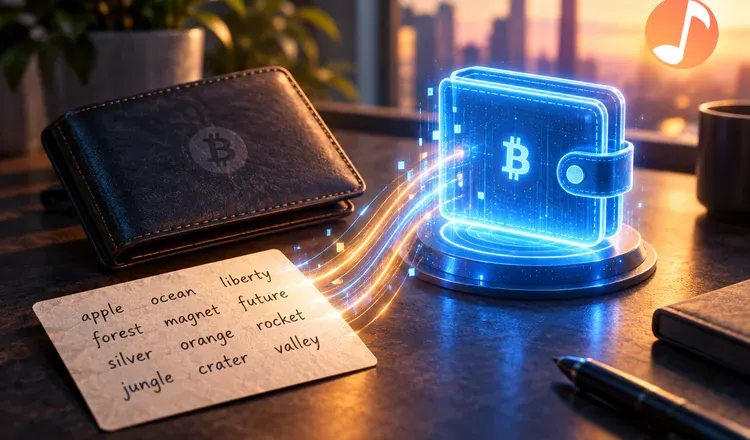
To recover a crypto wallet using a seed phrase, you install a wallet app, pick the option that says import or recover instead of create, and type your 12 or 24 words in order. The app then rebuilds the same addresses you had before, and your balances reappear. The whole thing takes a few minutes, needs no account and no support ticket, and works even if the old phone is at the bottom of a lake.
Why does typing words bring money back?
Because the words are the money's lock, in a very literal sense. A seed phrase is a human-readable version of one very large secret number, and every address in your wallet is calculated from it by a published formula. Any wallet that follows the same standard will run the same sum and land on the same addresses. It is closer to a recipe than to a password: give the recipe to a different kitchen and you get the identical cake.
The steps, in order
Download the wallet from its official site or app store, and check the publisher name before installing. Open it and choose "Import an existing wallet" or "Recover". Type the words in the order you wrote them, all lowercase, one space between each. Set a new password, which locks this installation only. Then let the wallet finish scanning and give it a minute before you judge the balance.
How do you do it without being robbed?
This is the one moment a careful person can lose everything, so treat it seriously. Type the phrase into the wallet app itself and nowhere else. No real site, no MetaMask support agent and no "wallet validation" page ever needs it. Never photograph it, never paste it into a chat, a note-taking app or a password manager's web form, and never search for the wallet on Google and use the first result, because the paid slots above it are often fakes. If you have typed your words anywhere unusual in the past, treat that phrase as burned: create a new wallet and move the funds.
When it works, make a habit while it is fresh: write the words on paper twice, store them in two separate places, and never keep a digital copy. If the app rejects what you type, the phrase is usually fine and the typing is not — how to fix the "invalid seed phrase" error covers the causes, and restoring a wallet from a seed phrase deals with an empty balance after a successful import.