
How to Read a Solana Transaction in an Explorer
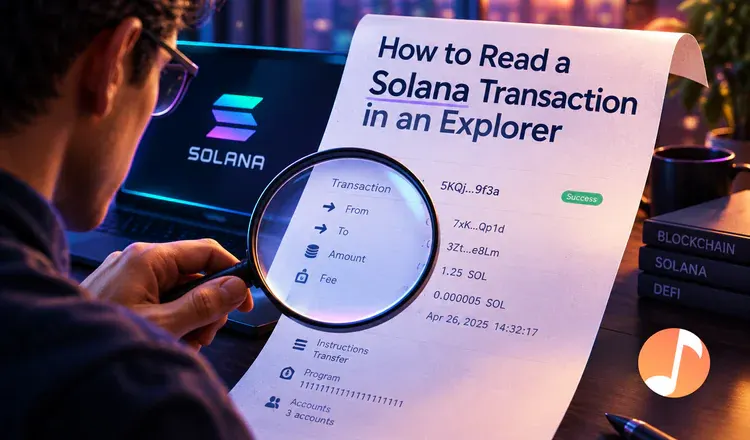
A Solana transaction page looks like a wall of data, but you only need three parts of it. The top tells you whether it worked. The balance changes tell you what moved. The instructions tell you what the transaction was trying to do. Everything else on the page is detail for developers. Read it like an itemised restaurant bill: the total at the top, the line items below, and a lot of small print nobody checks.
Which fields at the top matter?
Result, first - Success or Fail. Timestamp, so you can match it against what your wallet told you. Signer, the address that approved it and paid for it. And Fee, shown in SOL, which on an ordinary transfer is a fraction of a cent. Slot is the network's position counter rather than a clock; a slot is roughly 400 milliseconds, so it is only useful for working out the exact order of two transactions.
Where do you see what actually moved?
Scroll to the balance change tables - this is the honest part of the page. SOL Balance Change lists every account the transaction touched, with the amount before, the amount after, and the difference. Token Balance Change does the same for tokens such as USDC or USDT. If you swapped on Jupiter and want to know what you really received after slippage and fees, this table is the answer, not the number the app showed you.
What are all those instructions?
A Solana transaction is a bundle of small steps, and each step is an instruction run by a program - a program being a smart contract. A plain SOL transfer has one instruction, run by the System Program. A single swap can have a dozen, because one program calls another: Jupiter routes through Raydium or Orca, each of which moves tokens through the Token Program. Those nested steps appear as inner instructions. If the transaction failed, the program logs at the bottom hold the error, and it usually says something readable like insufficient funds or slippage tolerance exceeded.
Practical habit: when something looks wrong, start at the balance changes rather than the top of the page. They settle the question of whether you are actually missing money before you spend an hour reading logs. Next: tracking Solana transactions on Solscan and how to use a Solana blockchain explorer.