
How to Create a Tonkeeper Wallet, Step by Step
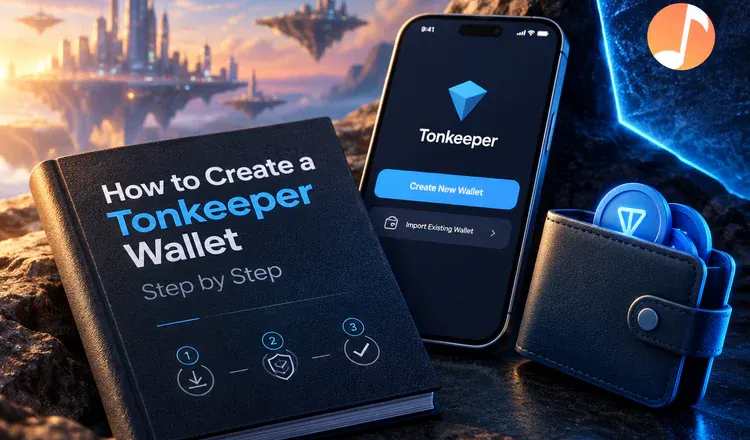
To create a Tonkeeper wallet you install the app, tap Create New Wallet, write down the 24 recovery words it shows you, and confirm a few of them back. That is the whole process, and it takes about three minutes. Tonkeeper is non-custodial: no company holds your coins on TON, The Open Network, so those 24 words are the only thing in the world that can restore the wallet.
What are the actual steps?
- Get the real app. Tonkeeper is on iOS, Android, desktop, and as a Chrome or Firefox extension. Install it from the official app store listing, never from a link in a chat message.
- Tap Create New Wallet. The app generates your keys on your own device. Nothing is sent to a server.
- Write the 24 words on paper, in order, and store the paper somewhere only you can reach. Do not photograph them, do not put them in a notes app, do not email them to yourself.
- Confirm the words when the app asks, then set a passcode or fingerprint lock for the app itself.
- Copy your address and send a tiny amount of TON to it first, before anything larger.
Why do the 24 words matter so much?
Think of them as the only spare key to a house with no locksmith. The wallet app is just a door you can reinstall; the words are what actually opens it. Type them into Tonkeeper on a new phone and your balance reappears, because the coins were never inside the app at all - they sit on the TON blockchain, and the key proves they are yours. Lose the words and nobody, including the Tonkeeper team, can get them back. Share the words and whoever has them empties the wallet in seconds.
What can you do once it is funded?
Send and receive TON and tokens for a fraction of a cent, hold NFTs, and connect to apps through TON Connect, the standard Tonkeeper introduced that lets a website ask your wallet to sign something. The app also lists staking pools, including liquid staking through Tonstakers, where the share you get back is itself a token you can trade. Every one of those actions asks you to approve it in the app first.
One habit protects you from almost everything: never type your 24 words into any website, app or "support agent" chat, because the real wallet never asks for them. If you want the background on why those words work the way they do, read our guide to seed phrases, and if you are shopping around, see the main Cosmos wallets compared.